



Support / Account / FAQ
How do I change my in-game name?
Updated November 8, 2024
If you want to change the name that will be displayed to other players, you can do so by opening the game and following these simple steps:
1. Locate and select your profile (shown in orange)
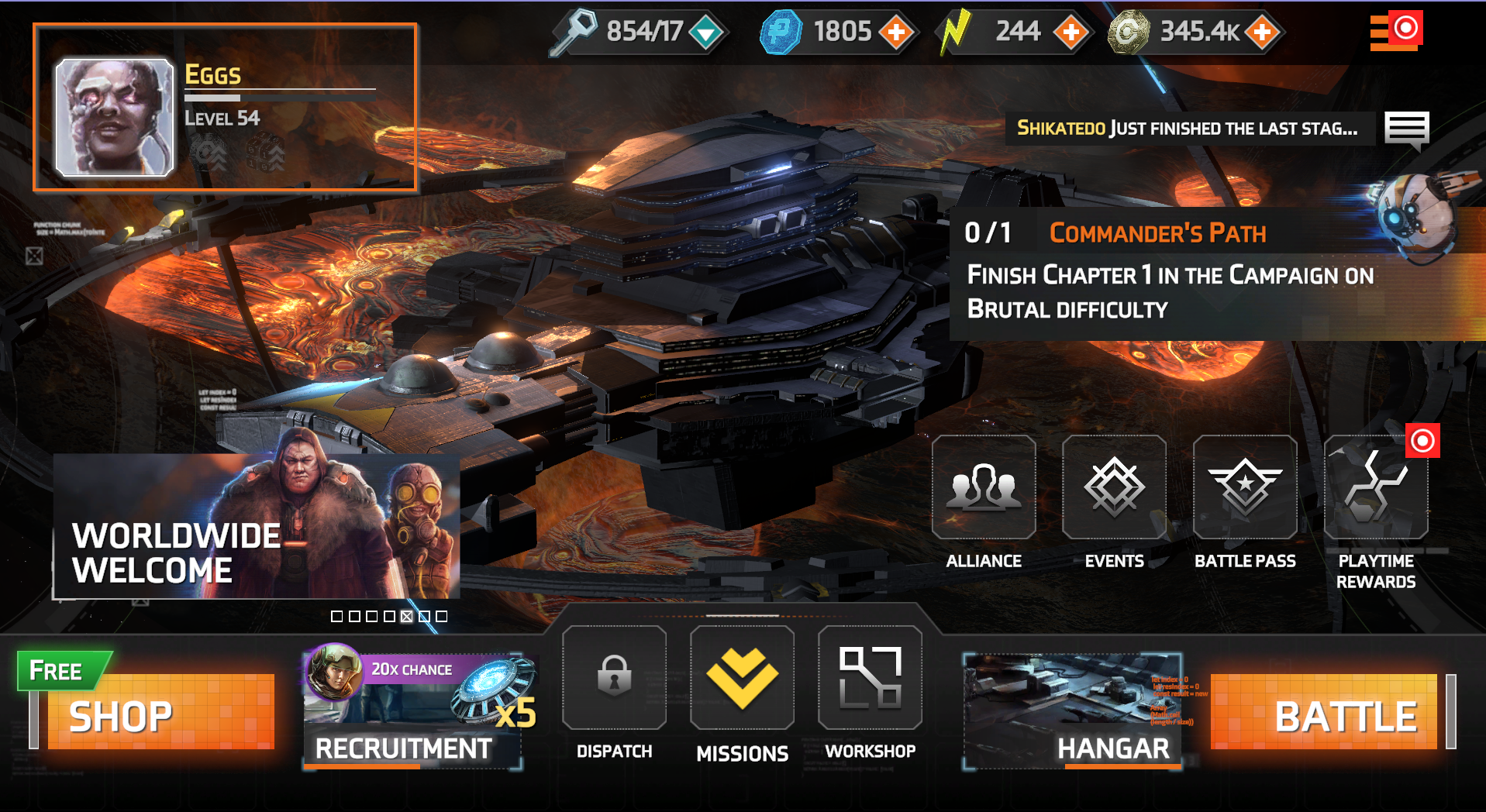
2. Tap the pencil to edit your name
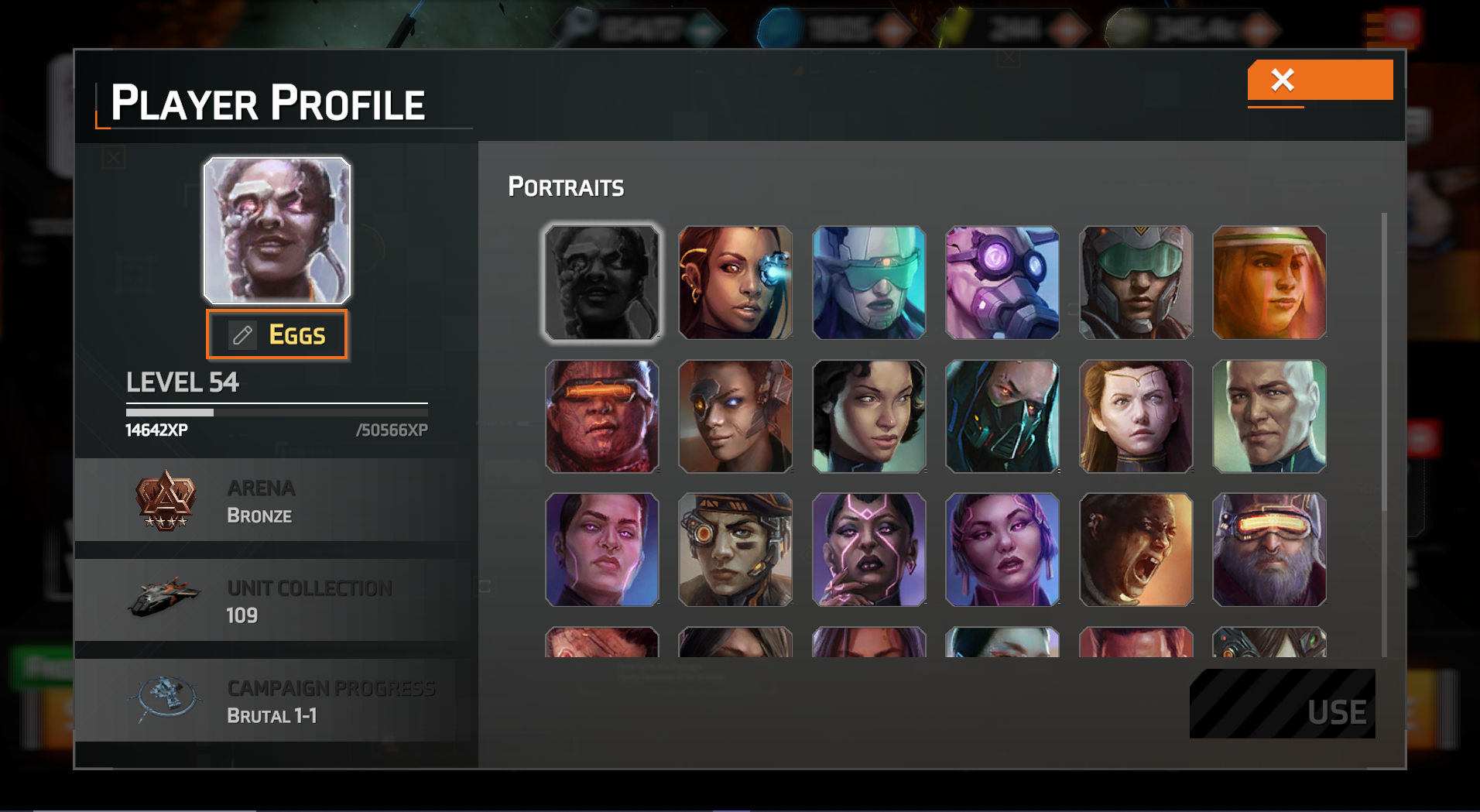
It's that easy! Your new name will now be displayed to other players. If you have any trouble with the process, please contact us here.
Solid Clouds hf. Trademarks belong to their respective owners. All rights reserved © 2026