



Unit management
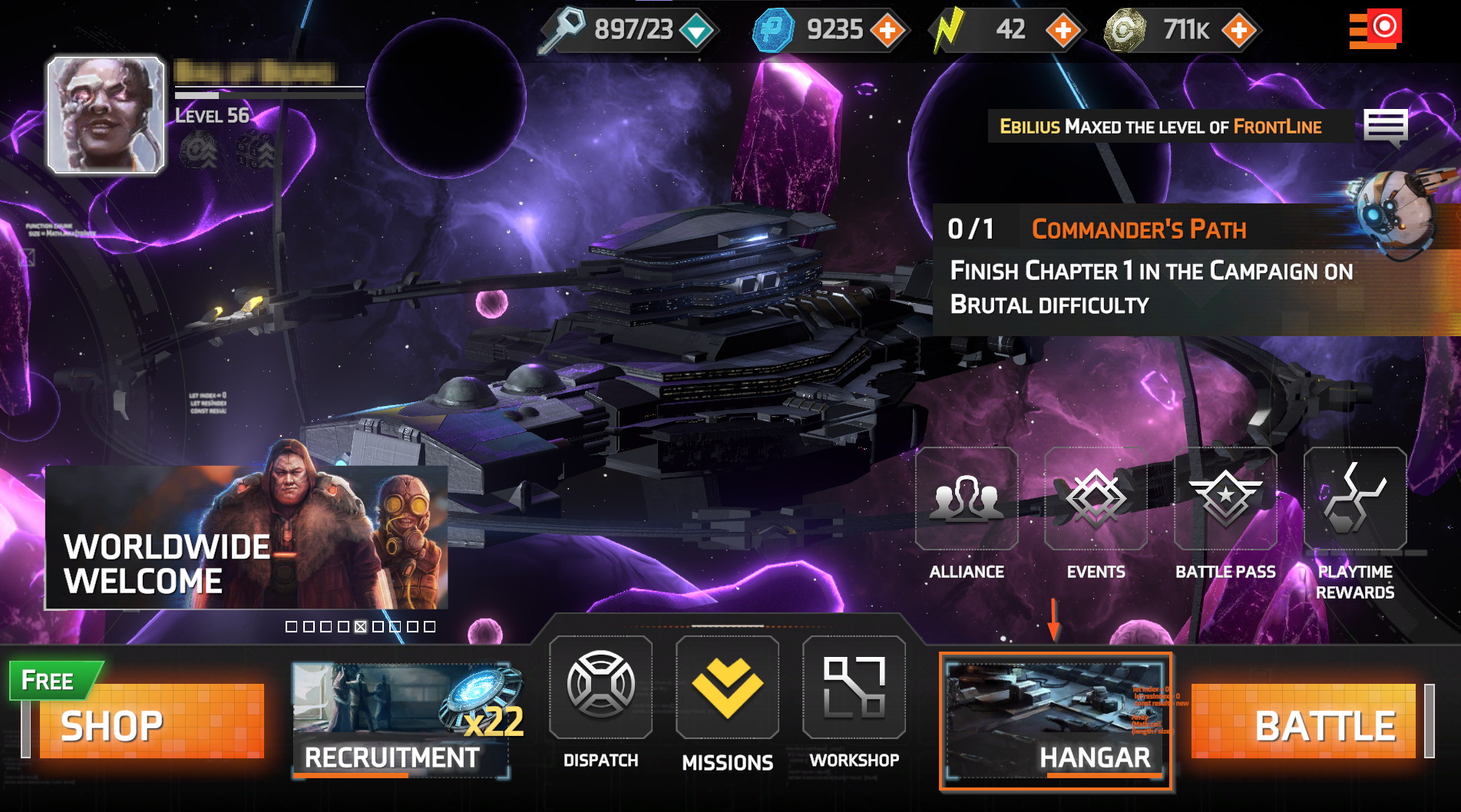
You can upgrade, equip, rank up your commanders, and more, by visiting the Hangar.
Filters
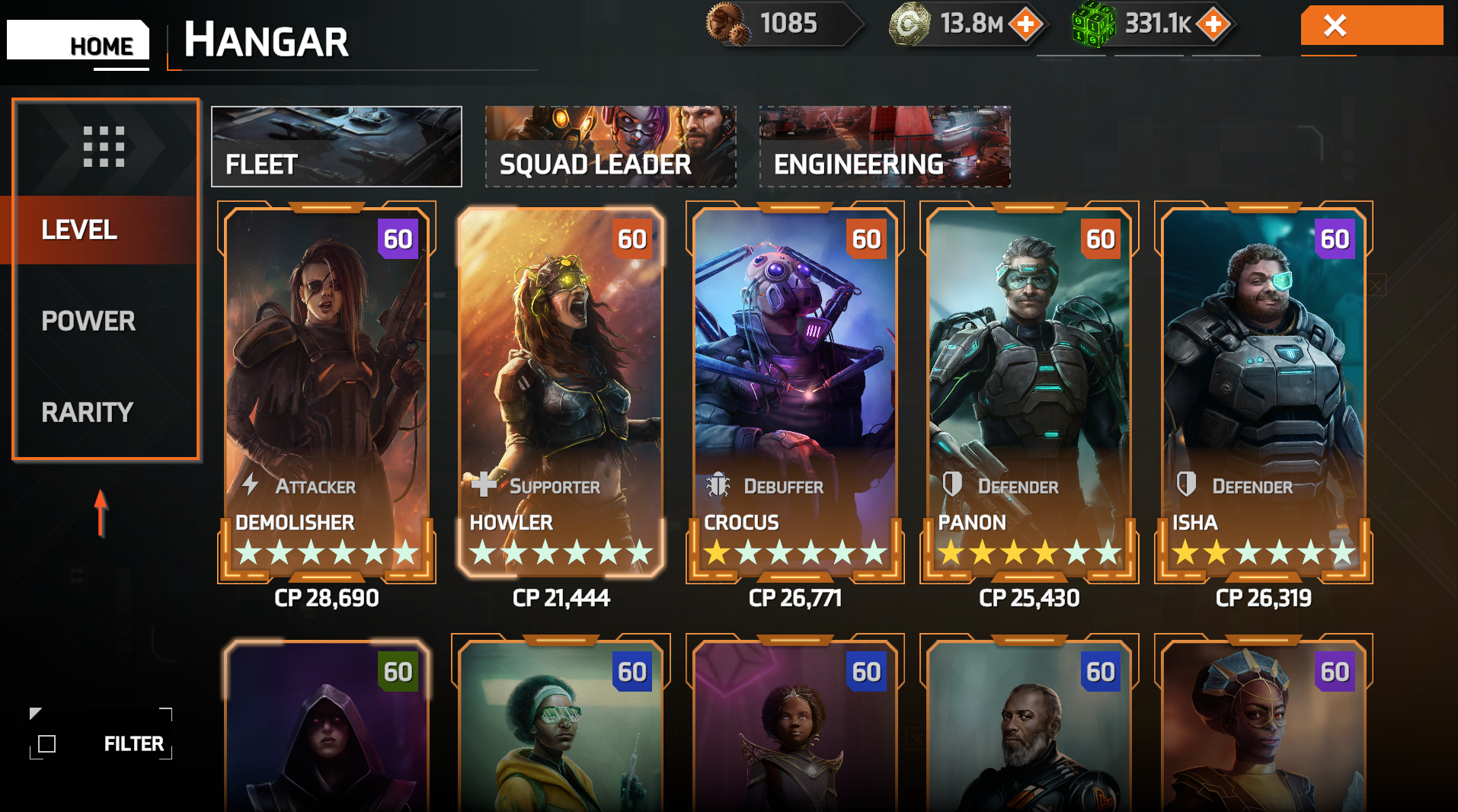
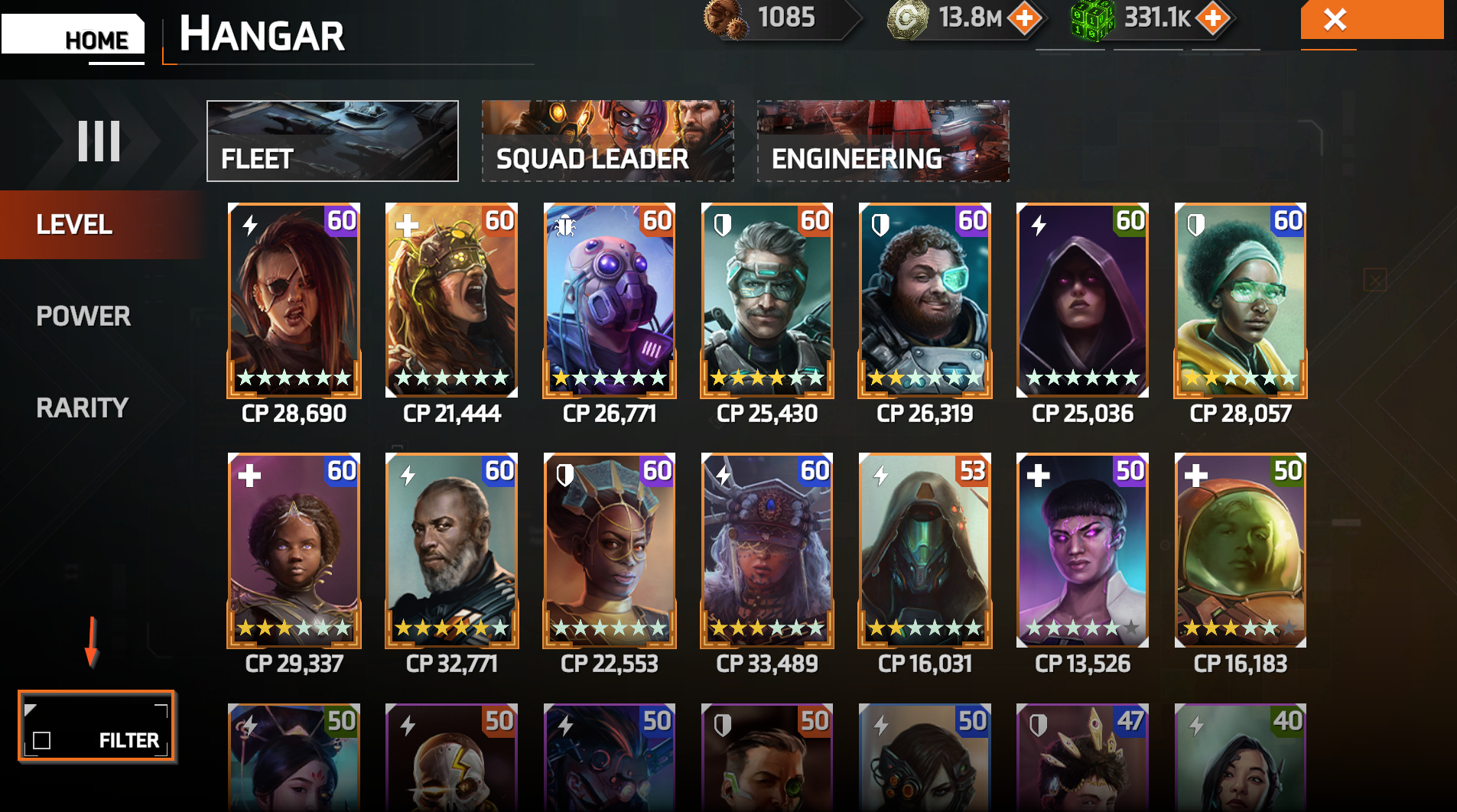
Using the filter makes it easier to find the specific commander you're looking for. To sort your units by level, power, or rarity, tap one of the highlighted options below. You can also tap the icon to display more units at once.
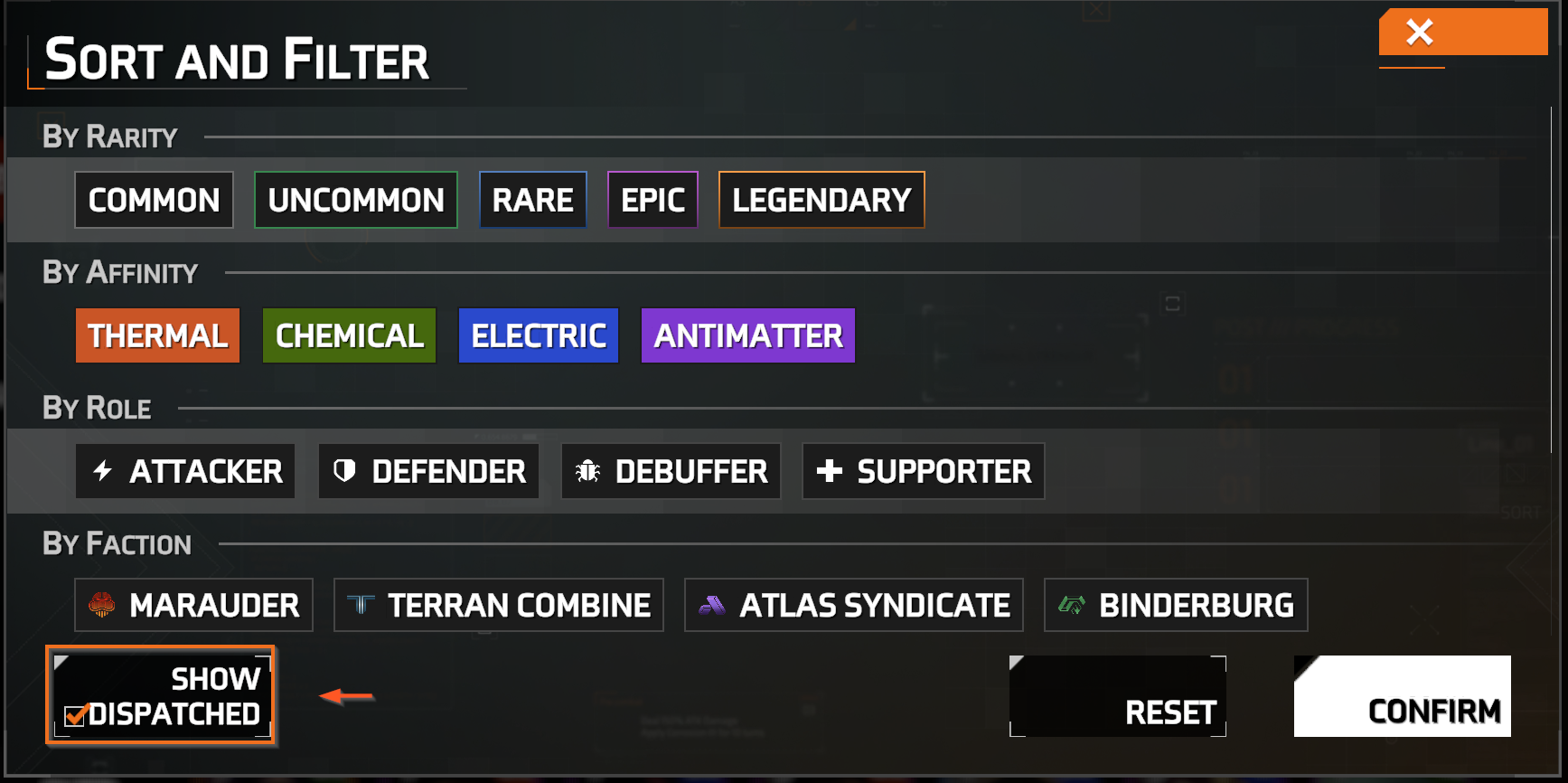
Additionally, use the advanced filter for more options, such as sorting by affinity, role, or faction. You can also display dispatched units by selecting "Show dispatched."
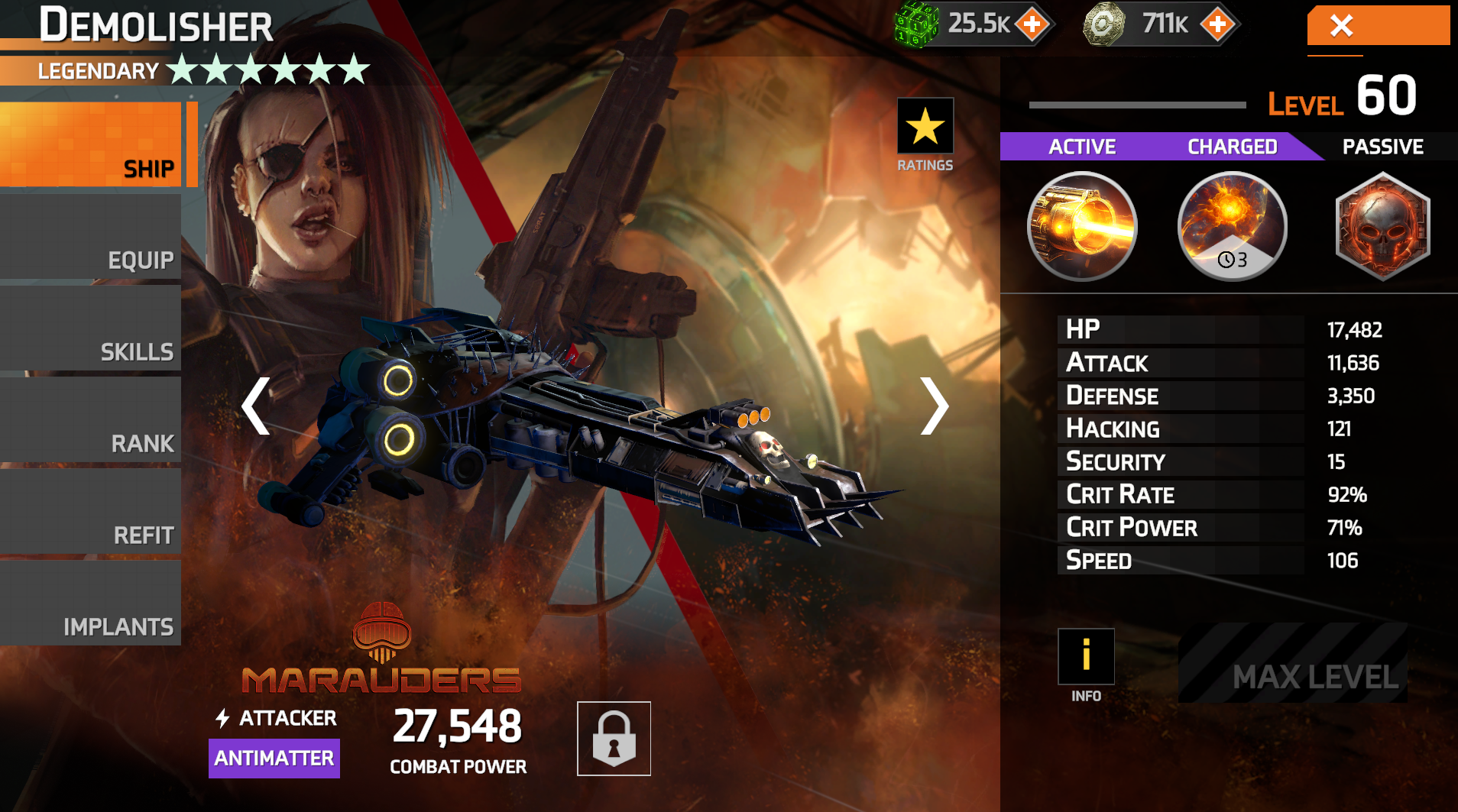
Once you have selected a commander you can upgrade them in the following ways:
Equip: Equip and upgrade gear
Level up and gain new skills and pattern abilities for your commanders
Rank: Promote units to increase their rank
Sacrifice duplicate commanders to gain new abilities
I Equip implants to increase your stats
 In addition to managing your units, you can also manage Squad Leaders from the "Squad Leaders" tab in your hangar. Find out more about Squad Leaders here.
Solid Clouds hf. Trademarks belong to their respective owners. All rights reserved © 2026